Guide For Simple Animation
STEP 1
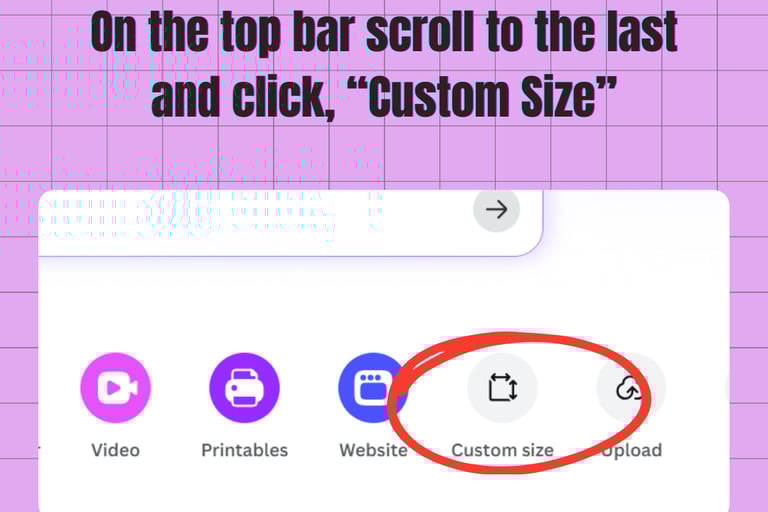
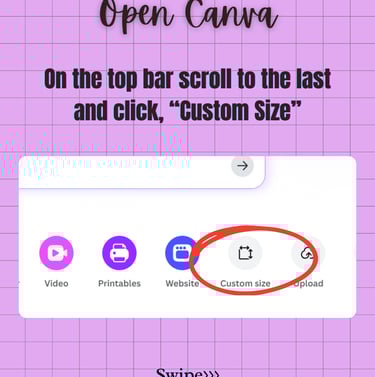
STEP 2
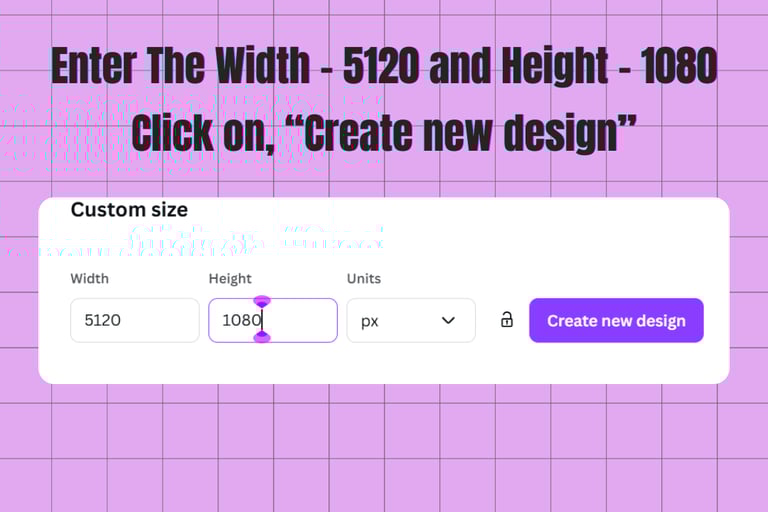
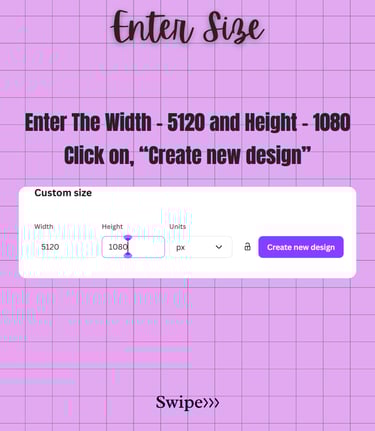
STEP 3
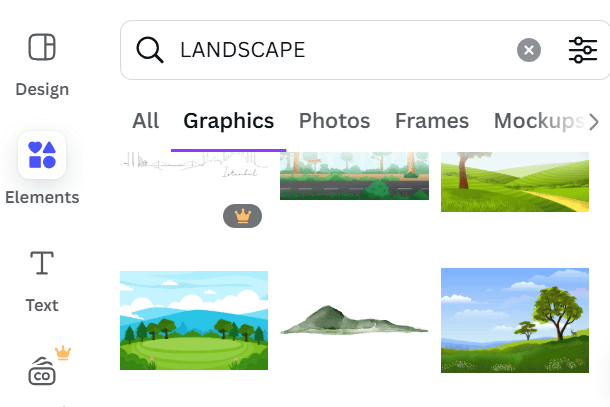
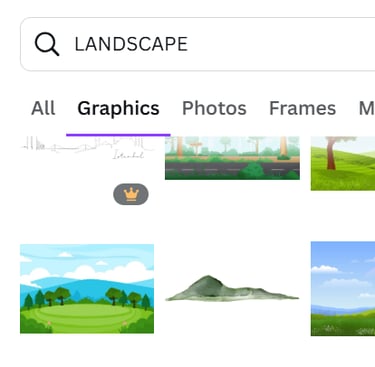
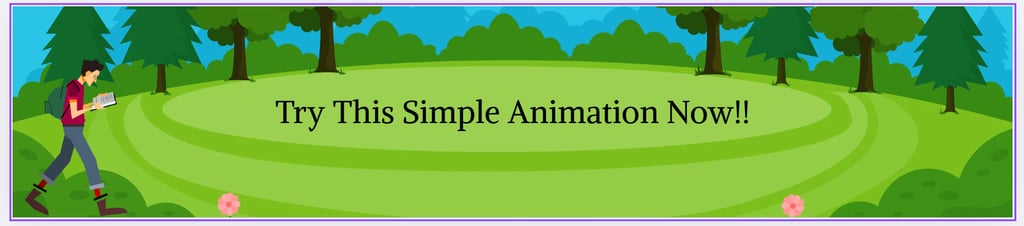
In Elements Search, "Landscape" and select any photo/graphic you like.
STEP 4
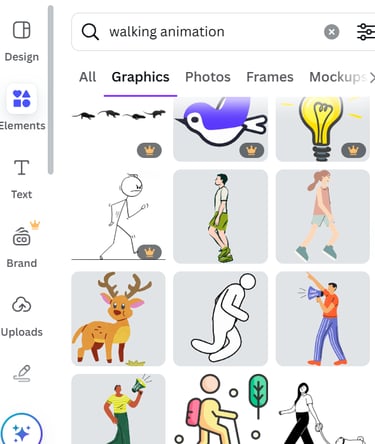
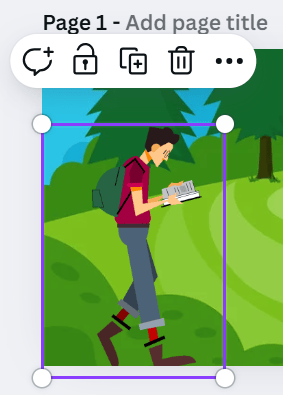
In Elements Search, "Walking Animation" and select any graphic you like.
STEP 5
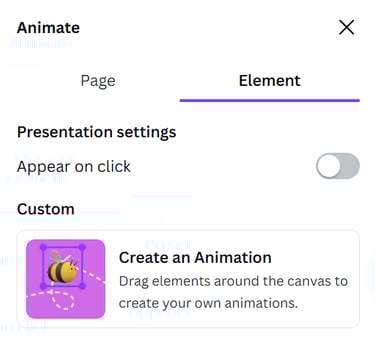
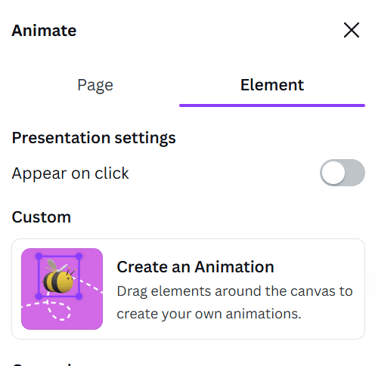
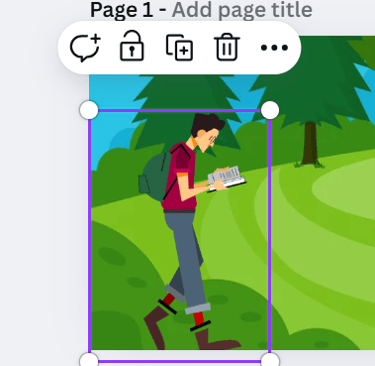
Select the element and click on "Animation" on the above panel
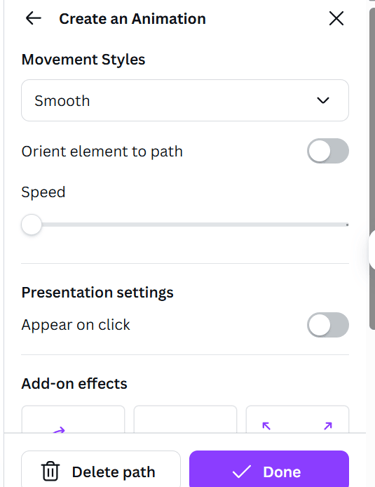
Click On "Create an Animation" select the element and press shift key and move the element as you want
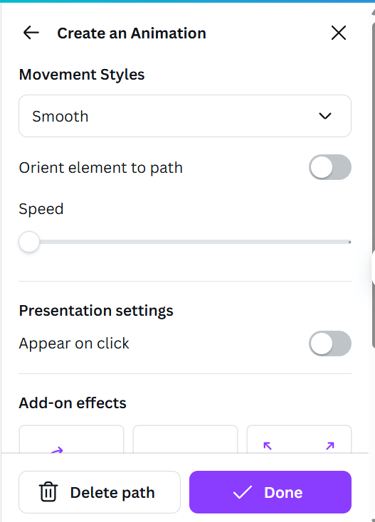
Adjust the settings and click on, "Done"
STEP 6